Join our auto-replenishment service and weāll deliver your UD Faves automaticallyāas many as you want, as often as you want.
Plus, receive 10% off all auto-replenishment orders + free shipping on all orders over $50!

It's Easy To Sign Up
Pick Your Addiction
SCHEDULE IT
GET IT ON TIME
NEVER RUN OUT OF YOUR FAVORITES
Add these to your UD Auto-Replenish account.
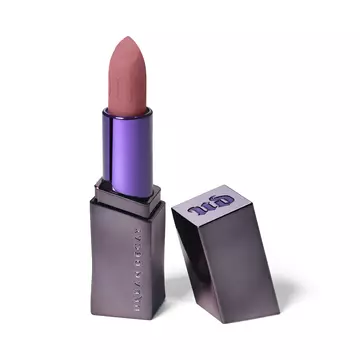
Vice Lipstick
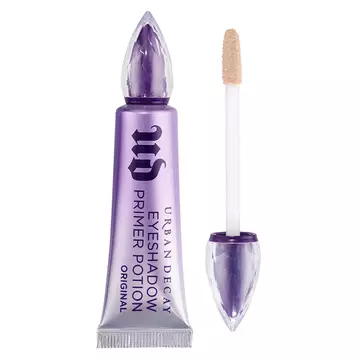
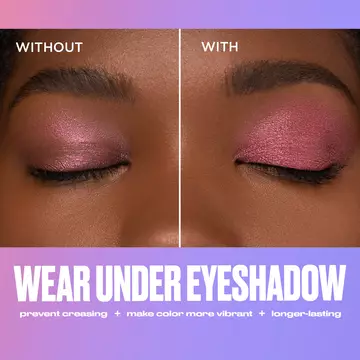
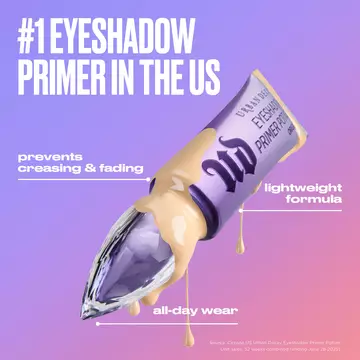
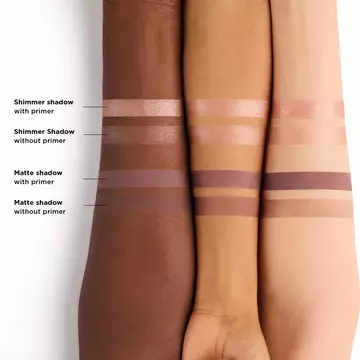
Urban Decay Eyeshadow Primer Potion
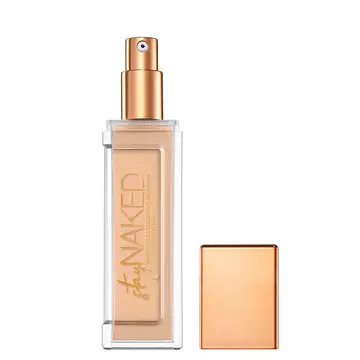
Stay Naked Weightless Liquid Foundation
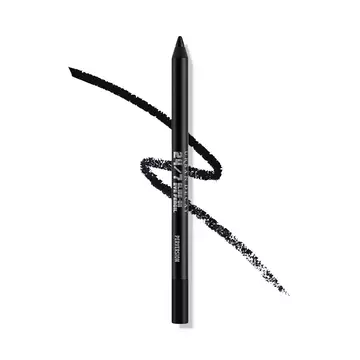
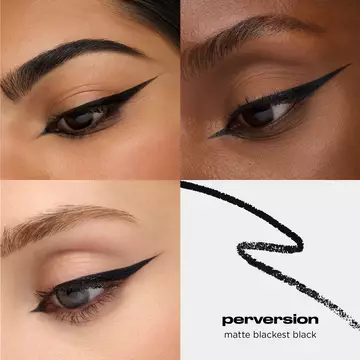
24/7 Glide-On Waterproof Eyeliner Pencil
Have Questions?
Check out our FAQ to find the answers you're looking for.
What is UD Auto-Replenish?
UD Auto-Replenish is the most convenient way for you to get the UD products you want delivered to you on a regular schedule. We automatically send your favorite products based upon your chosen frequency. The service is easy to use and customizable, so you can make changes online anytime. Just tell us how often you want your products, and we'll take it from there. Youāll even receive free shipping and two free deluxe samples with every order!
You always have complete control over your UD Auto-Replenish orders, and we send an email reminder 10 days before each order ships. You can change your delivery frequency, next order date, or product quantity whenever you want by visiting the UD Auto-Replenish section within your account. Changes can be made up to 24 hours before the next scheduled shipment date, and you can cancel at any time.
How do I join UD Auto-Replenish?
After joining UD Auto-Replenish, youāll receive an email confirming your subscription. This email will include a link to access the UD Auto-Replenish section of your account. You can also access your account anytime by signing in on UrbanDecay.com and navigating to the UD Auto-Replenish section. From your account page, you can manage your future orders, UD Auto-Replenish items and UD Auto-Replenish account information.
Weāll place your UD Auto-Replenish orders automatically based on your selected frequency. Youāll only be billed on the day an order ships. Prior to each UD Auto-Replenish order, weāll send you an email reminder. Youāll also receive email notifications with other important information related to your UD Auto-Replenish account, including notifications about discontinued or out-of-stock products, order confirmations and cancellation confirmations.
What will happen after I join UD Auto-Replenish?
Once youāve joined, itās easy to manage your UD Auto-Replenish account. You can change your next order date, skip an order, change your selected frequency, or cancel a subscription by visiting the UD Auto-Replenish section of your account. Please allow up to 24 hours for modifications or cancellations to be processed.
Change an order date:
To change your next order date, go to the āMy Next Orderā tab under āUD Auto-Replenishā and click the āEdit Dateā button to the right of the next order date; then, select a new date for your order. This will change the order date for the entire shipment.
If a UD Auto-Replenish order contains multiple items and you would only like to change the order date of a single item, go to the āMy Subscriptions' tab and identify the individual item you would like to modify. Click the āEditā link to the right of the subscription details and click the āChange Order Dateā button.
Skip a delivery:
To skip a subscription order, go to the āUpcoming Ordersā tab under āUD Auto-Replenishā and click the āSkip Deliveryā button to the right of the next order date. This will skip the entire order.
Change shipment frequency:
To modify the delivery frequency for an individual subscription item, go to the āMy Subscriptions' tab under āUD Auto-Replenish.ā On this tab, the current delivery frequency is displayed next to each subscription item in a dropdown menu. Click the arrows of the frequency dropdown next to the subscription item you would like to modify, and select your next desired frequency.
Cancel subscription:
To cancel a subscription item, go to the āMy Subscriptionsā tab and click the āEditā link to the right of the subscription details; then, click the āPause Subscriptionā button. Youāll be prompted to confirm this action and indicate your reason for cancelling. Once youāve chosen āPause This Subscription,ā your subscription will be cancelled and no future orders will be placed. Youāll also receive an email notification confirming this.
Please allow up to 24 hours for any modifications or cancellations to be processed.
How do I make changes to my UD Auto-Replenish deliveries?
To review or modify your UD Auto-Replenish account information, visit the UD Auto-Replenish section of your account.
You can change your shipping address for an individual order or at the subscription item level, which is the default option and will affect all future orders.
To change your shipping address for an individual order, go to the āUpcoming Ordersā tab and click the āEditā link located directly to the right of the current shipping information. Select a previous shipping address from the dropdown menu or create a new one to add to your account. This address will apply to all subscriptions and future orders, unless otherwise noted.
To change your shipping address for a subscription, visit the āMy Subscriptionsā tab, click the āEditā link to the right of the subscription details, then click the āChange Addressā button. Press āOKā and verify that your updated information saved successfully.
Please allow up to 24 hours for modifications or cancellations to be processed.
How do I make changes to my UD Auto-Replenish account information?
The āUpcoming Ordersā tab shows the details for your next scheduled order. An order may contain more than one individual item scheduled for auto replenishment if the items have the same order date, shipping address, billing address and payment information.
The āMy Subscriptionsā tab displays individual subscription items and all related details for each subscription, including next order date, delivery frequency, quantity and shipping address.
What is the difference between the āUpcoming Orders' and 'My Subscriptionsā tabs?
You can view your future orders in the āUpcoming Ordersā tab in the UD Auto-Replenish section of your account. Your next scheduled order will be displayed. To see additional deliveries, click on the down arrow next to the next scheduled order date below āView Upcoming Orders.ā
How do I view my future deliveries?
You can view your future orders in the āUpcoming Ordersā tab in the UD Auto-Replenish section of your account. Your next scheduled order will be displayed. To see additional deliveries, click on the down arrow next to the next scheduled order date below āView Upcoming Orders.ā
How do I combine items to be in the same order?
UD Auto-Replenish items that have the same order date, shipping address, billing address and payment method will ship as one order.
If you have more than one UD Auto-Replenish item and want them to ship in the same order, visit the āMy Subscriptionsā tab in the UD Auto-Replenish section of your account and change the next order dates to be the same. Be sure to confirm that the orders are going to the same shipping address and have the same billing address and payment method.
Can I add items to my next order with an existing subscription?
Yes! To do so, you must be logged in to your account. Visit the product page for the item you want to add to your order, and find the āAdd This to My Orderā button. When you click this button, youāll have the option to add the item one time or as a subscription. You can also find these instructions in the āUpcoming Ordersā tab in the UD Auto-Replenish section of your account.
What types of payment are accepted for UD Auto-Replenish?
All UD Auto-Replenish subscriptions require a credit or debit card payment. Alternative payment forms, such as PayPal, cannot be accepted.
Why was my UD Auto-Replenish order cancelled?
Your order, or part of your order, may have been cancelled by our system for a number of reasons:
Unavailable item(s)
Order exceeded maximum purchase limit
Order cannot ship to address provided, freight forwarders, or address outside of the U.S.
Unable to process payment information. (The entered billing address or zip code may not be associated with the credit card being used.)
You have not responded to emails sent regarding the following: declined credit card, incorrect billing information, or verification of billing/shipping address for a priority ship order.
You will receive an email notifying you if your order is cancelled. You will not be billed for any cancelled items. If youāre interested in placing a new order or if you have questions about a cancelled order, please contact us.
Please note that when placing an order using a credit card or debit card, two transactions will be posted to your account. The issuing bank for your payment card will place a hold on the funds in your account in the amount of your purchase. Another $1 transaction will show when your order is authorized. This action reserves the funds for the pending charge. You will subsequently be charged for the order when it shipsāthis removes the funds from your account, and the incremental $1 to hold the charge will drop off.
If an order is cancelled, the authorization hold will be removed by the issuing bank. For details on the removal of authorization holds, please contact the issuing bankās customer service. Because this process is specific to each bank, we regret that we cannot provide assistance regarding the removal of authorization holds.